 Hawthorne
Make better drinks with what you have.
Hawthorne keeps your cocktail recipes and tracks the bottles in your home bar, so you can see what you can make tonight and what you'd need for the rest.
Book
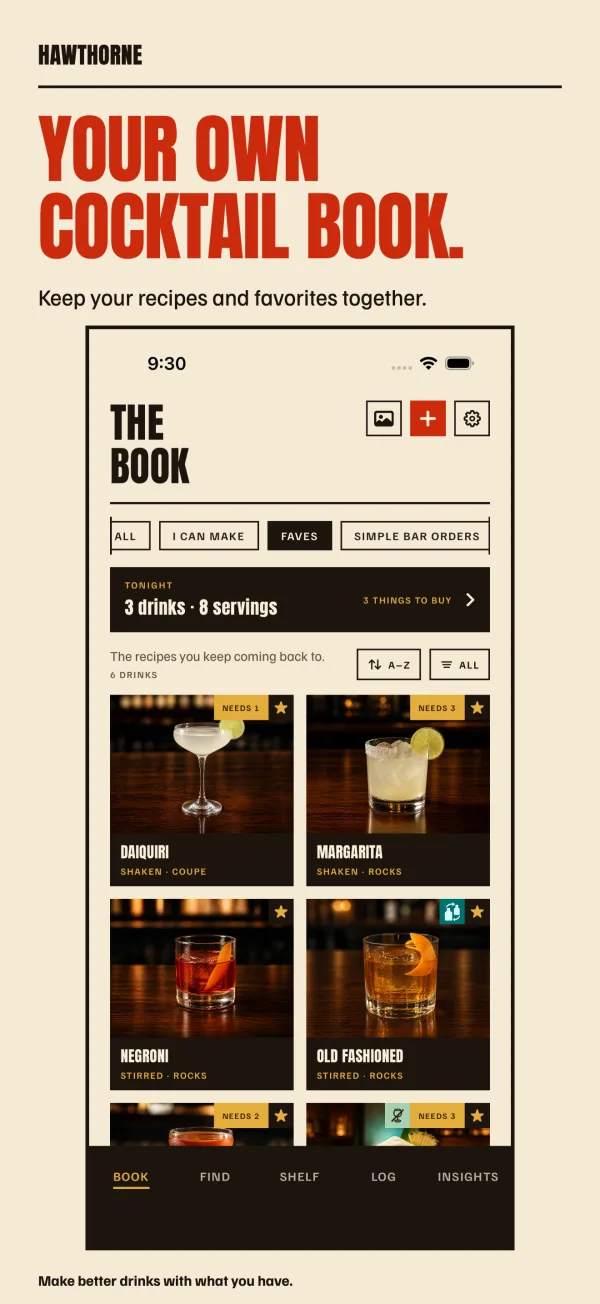
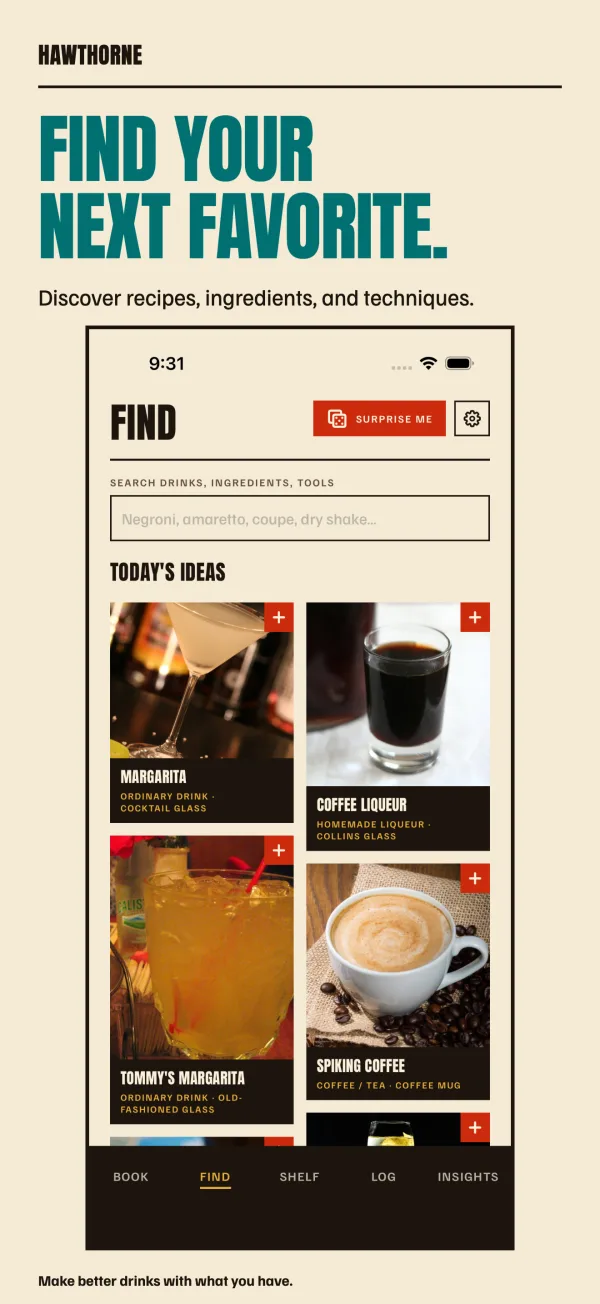
Save recipes from Safari, write your own, add photos, and sort them into lists.
Shelf
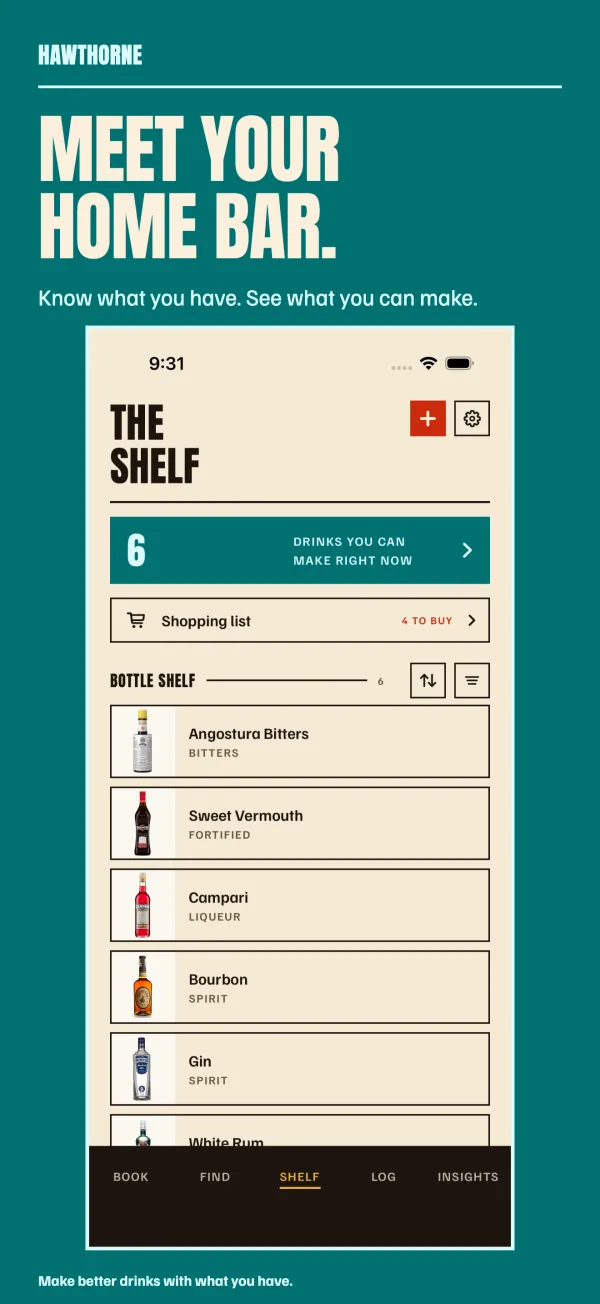
Mark the bottles you have and which are running low or empty. Hawthorne shows what you can make now, what's one bottle away, and where a substitute will do.
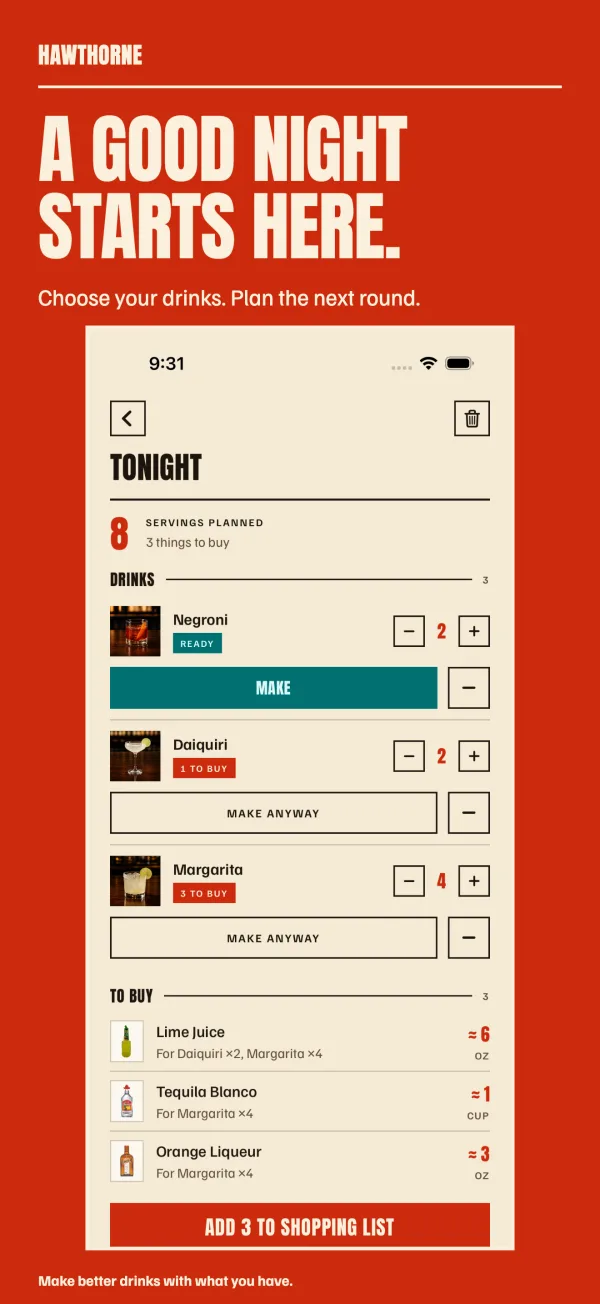
Tonight
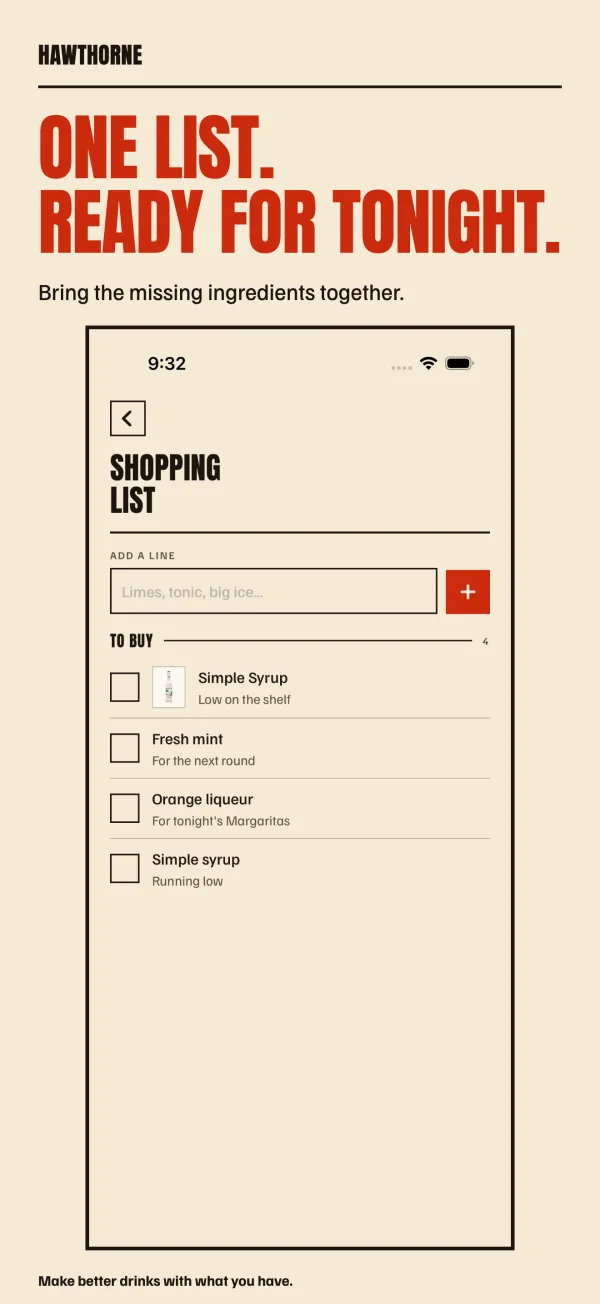
Pick drinks and how many of each. Anything your Shelf doesn't cover goes on a shopping list you can share.
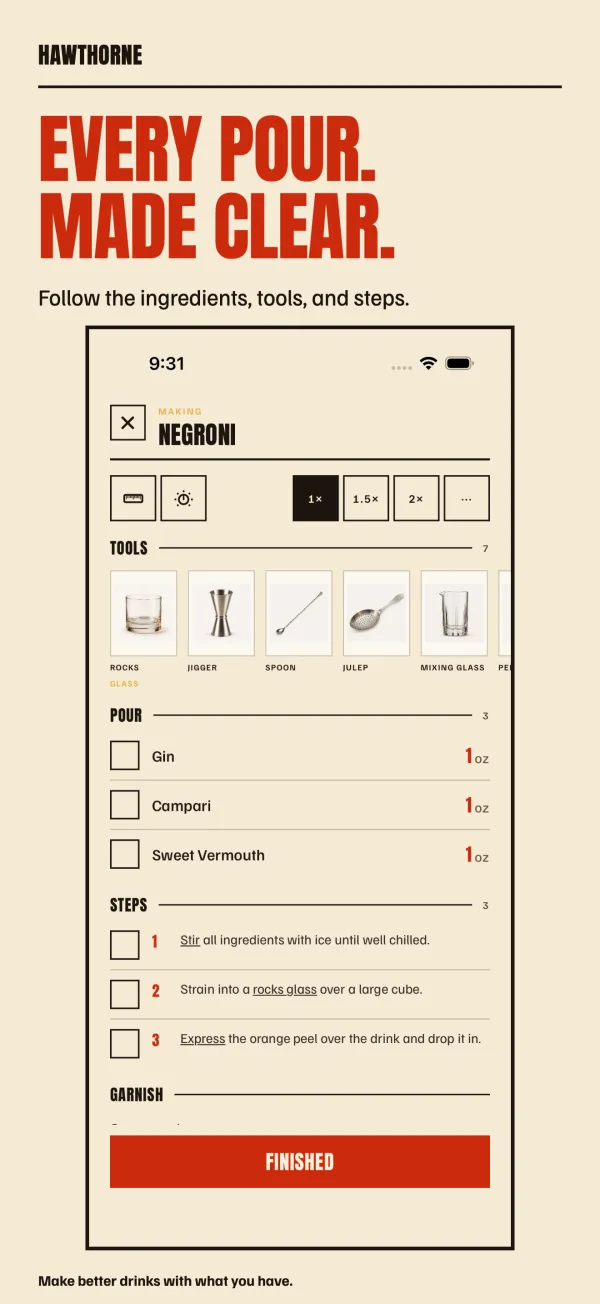
Make mode
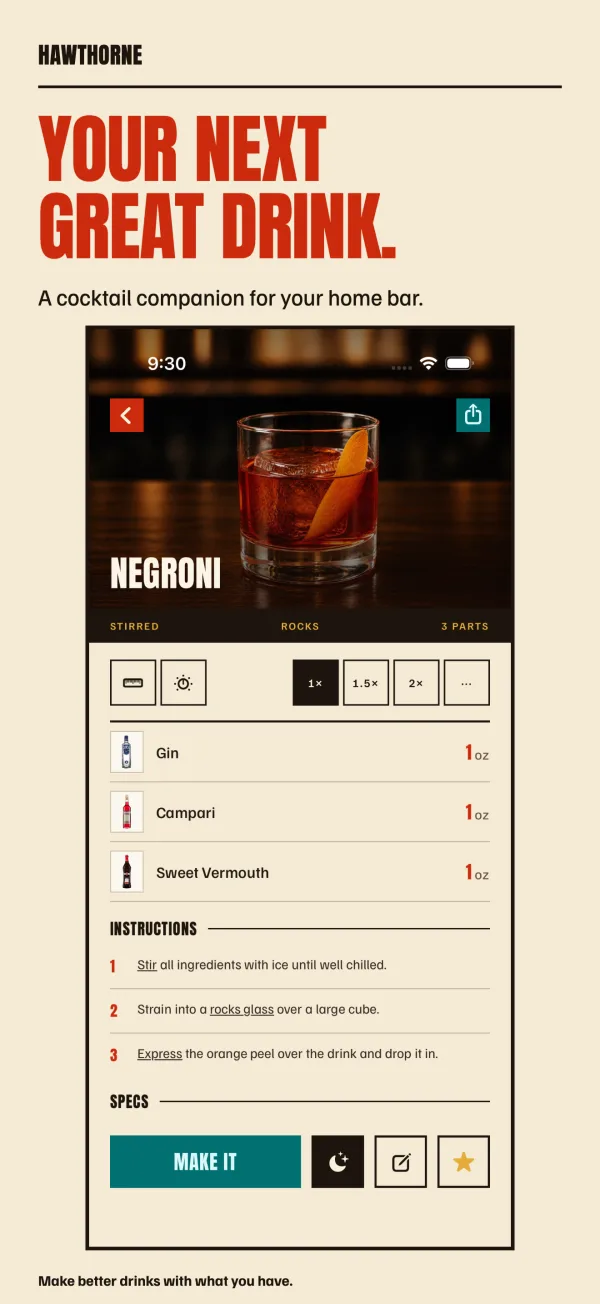
Scale a recipe or switch units, then follow it step by step: glass, tools, pours and timers.
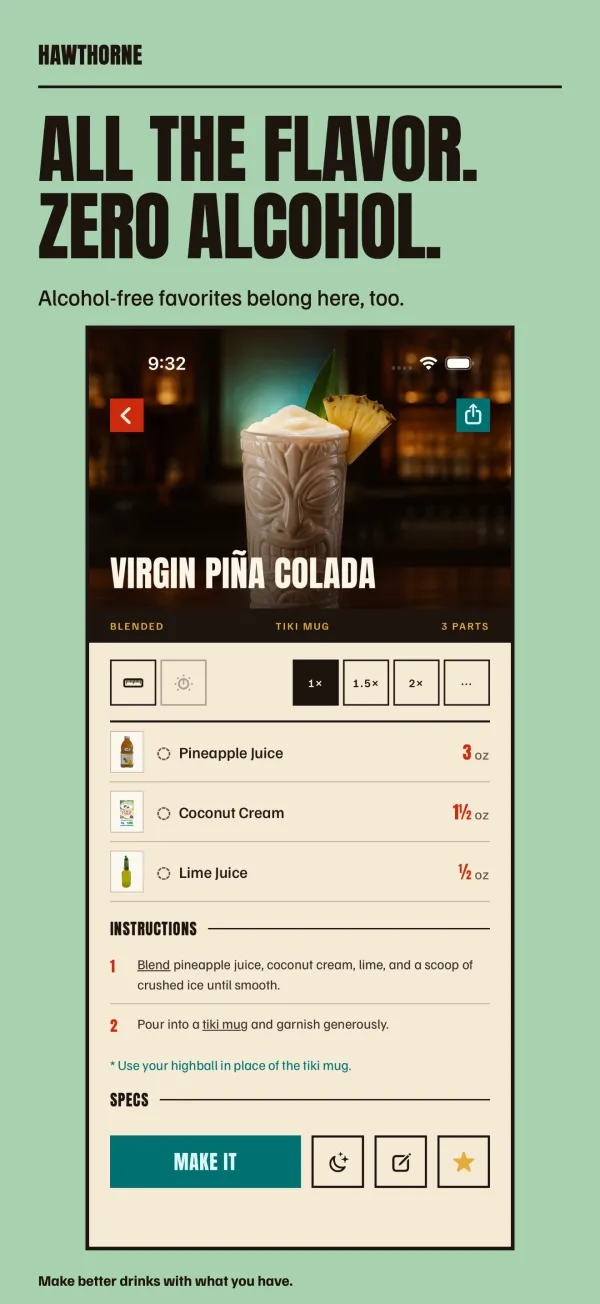
Alcohol-free
Alcohol-free recipes sit alongside the cocktails, or you can show only those.
Log
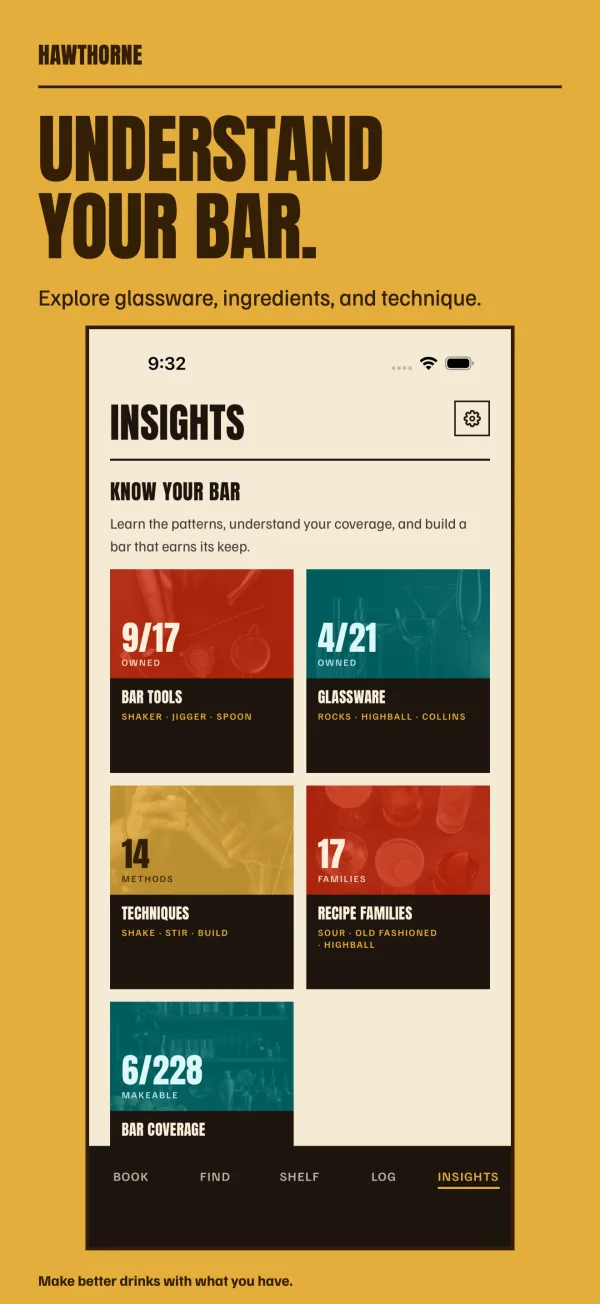
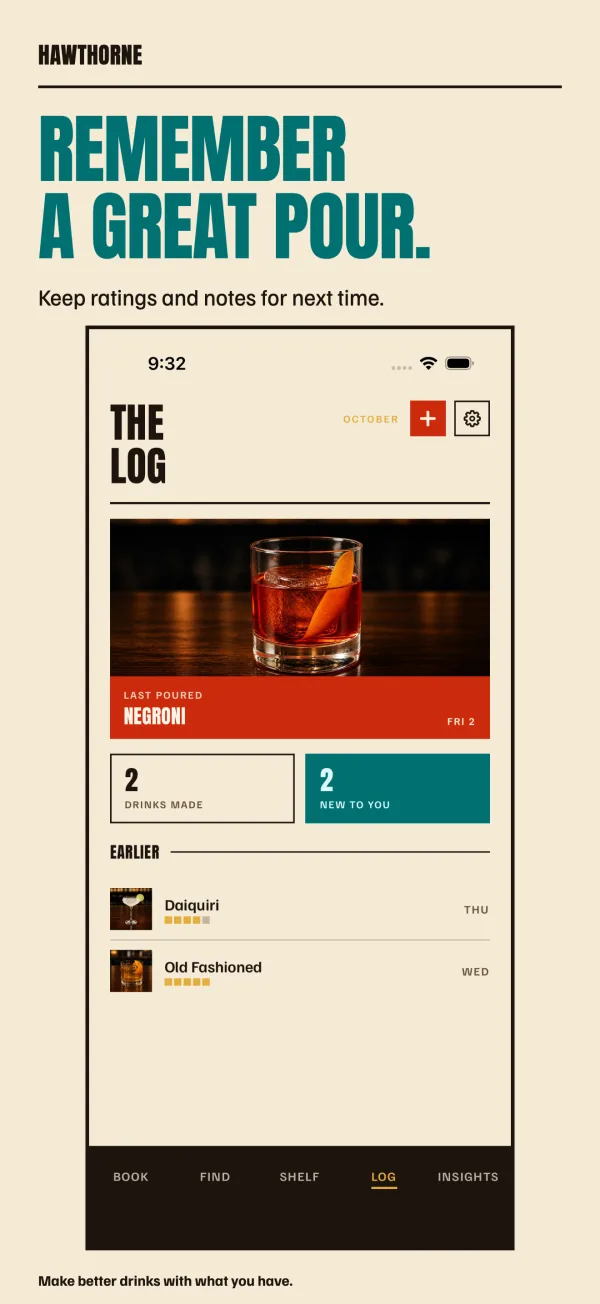
Rate what you made and add notes for next time. Insights covers ingredients, glassware, techniques and recipe families.
Sharing
Share a bar with another person. Your recipes, lists and Shelf stay in sync between you.
Try it on TestFlight.
Join the beta · Hawthorne- Devices
- iPhone · iPad
- Requires
- iOS / iPadOS 26+
- Version
- 1.0 (build 86)
Help us check
Saving recipes from Safari, keeping your Shelf up to date, and turning a planned round into a shopping list.
Save a recipe from Safari
- Open Hawthorne once to set up your account.
- Open a recipe page in Safari and tap Share, then Hawthorne.
- Check the ingredients and instructions, then tap Save to Hawthorne.
If Hawthorne isn't in the share sheet's app row, find it under More and add it to Favorites.
Privacy
You don't have to sign in: Hawthorne creates a guest account, and you can link Sign in with Apple later. Your recipes, lists, Shelf, plans, photos and drink log are stored on Hawthorne's server so they sync, and so people you share a bar with can see them.
Support
Email us with the app version and what happened.